
Your field team is still coordinating moves over WhatsApp, and the back-and-forth is eating hours every week. That friction is exactly why AI task automation tools are now worth a serious look.
By the end of this article, you'll have a clear comparison of six tools built for location-based coordination, plus the exact criteria to judge them against your workflow. We'll also name our top pick for most teams, so you can decide quickly without wading through demos.
What to Look For in AI Task Automation Tools for Location-Based Coordination
When evaluating AI task automation tools for location-based coordination, focus on capabilities that directly impact field operations: real-time visibility, automated workflows, and accurate time tracking. These three pillars determine whether a tool simplifies your logistics or simply adds another dashboard to monitor.
The right platform should turn location data into actionable intelligence, not just raw coordinates on a screen. You want a system that connects where your team is, what work remains, and how resources are being used at any given moment.
Look for tools that handle the full lifecycle of field work, from assignment to proof of completion. This includes task scheduling, route optimization, and automated follow-ups. When these pieces work together, managers spend less time coordinating and more time handling exceptions.
Consider how well a tool integrates with your existing stack. The best solutions offer integration APIs that connect with your current scheduling, payroll, or CRM systems. A tool that requires manual data entry defeats the purpose of automation.
Finally, examine the reporting layer. Good platforms provide location intelligence that supports decision-making, whether that means identifying inefficient routes or spotting patterns in task completion times. Data that sits unused in a dashboard has no operational value.
Real-Time GPS Tracking and Map Integration
For field teams, real-time GPS tracking with map integration ensures managers know exactly where each member is, enabling smarter dispatch and faster response times. Live location updates eliminate the guesswork that slows down traditional coordination methods.
Geofencing adds another layer of automation by triggering automatic check-ins when workers enter or exit designated areas. This removes the need for manual status updates and reduces the friction of daily reporting. A field technician who crosses a geofence boundary can instantly signal arrival without touching their phone.
Route optimization is a key benefit of integrated mapping. Tools that analyze traffic patterns and job locations can suggest the most efficient path between appointments. This reduces travel time, lowers fuel costs, and allows teams to complete more jobs per day.
Map views and location history serve an accountability function as well. When disputes arise about where work occurred or when a team member arrived, location history provides an objective record. This transparency protects both the worker and the organization.
Look for tools that display multiple jobs and team members on a single map view. This visual approach to resource allocation makes it easier to spot coverage gaps or identify the closest available worker for an urgent request.
Automated Task Assignment and Smart Reminders
Automated task assignment uses predefined rules or AI to route jobs to the right team member, while smart reminders ensure deadlines are never missed. This combination transforms task scheduling from a manual, error-prone process into a systematic workflow.
Rule-based assignment can factor in skills, current location, workload, and priority level. For example, a plumbing emergency might automatically route to the nearest certified technician with available capacity. This reduces response times and ensures the right person handles the right job.
AI-driven assignment goes further by learning from historical data. Over time, the system can predict how long certain task types take, which workers perform best on specific jobs, and how to balance workloads across the team. This leads to better resource allocation and fewer bottlenecks.
Smart reminders operate on triggers that make sense for field work. Location-based triggers can notify a worker when they are near a pending job, while time-based triggers can send warnings before scheduled appointments. These proactive alerts reduce missed tasks and improve customer satisfaction.
Automated dispatch also handles the chaos of last-minute changes. When a task is cancelled or a new urgent job appears, the system can reassign work instantly. This dynamic task prioritization keeps the mobile workforce productive even when plans shift unexpectedly.
Attendance Verification and Payroll Readiness
Attendance verification with GPS or face recognition ensures accurate time logs, making payroll-ready hours a byproduct of daily operations. This eliminates the administrative burden of collecting timesheets and reconciling discrepancies at the end of each pay period.
Geofenced check-ins confirm that a worker actually arrived at the designated job site. This prevents time theft and buddy punching, where one employee clocks in for another. Location data provides proof of presence that manual methods cannot match.
Timestamps captured during task completion serve dual purposes. They document when work happened for client billing, and they feed directly into payroll calculations. This integration means time tracking happens automatically as part of normal workflow, not as a separate chore.
Payroll readiness also extends to overtime and shift differentials. Tools that capture precise start and end times make it easier to calculate premium pay or identify patterns of excessive overtime. Managers can spot these trends before they become budget problems.
Accurate attendance data supports more than payroll. It provides a reliable record for compliance audits, client invoicing, and labor cost analysis. When attendance verification is built into the task management flow, operational efficiency improves without adding administrative overhead.
1. Tasks.Bot - Best Overall
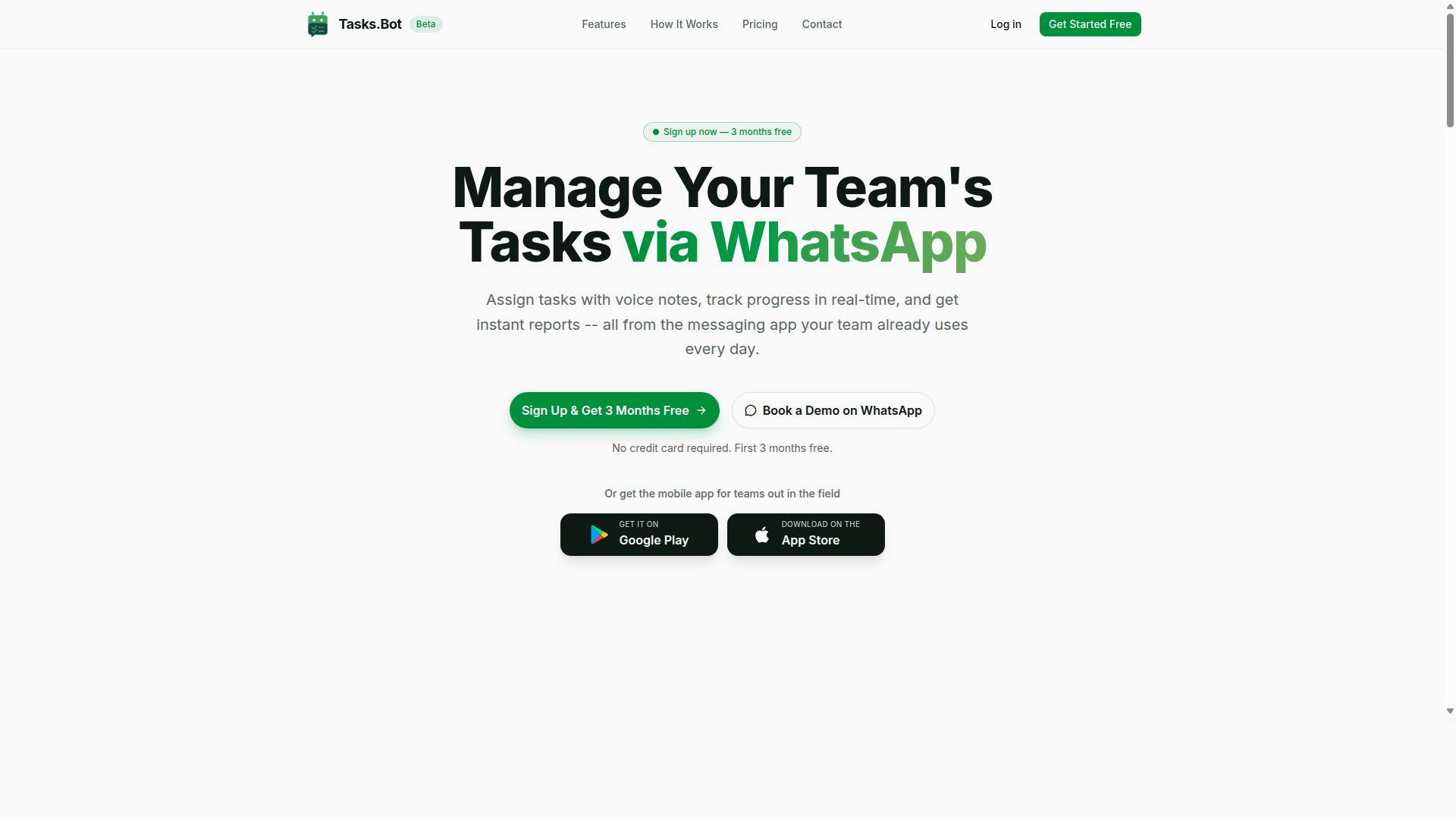
Tasks.Bot stands out as the best overall solution for teams that live in WhatsApp, combining AI-driven task creation with location-based coordination. It solves a common pain point for field teams, delivery crews, and remote staff who juggle multiple apps just to manage daily work. Instead of switching between tools, everything happens inside a chat interface that most people already use every day.
The platform is built around workflow automation and task scheduling, with a strong focus on mobile workforce management. It handles the full cycle of field operations, from assigning work to tracking completion in real time. This makes it a practical choice for businesses that need geospatial tools without the complexity of traditional field service management software.
For teams that rely on location intelligence and GPS tracking, Tasks.Bot brings those capabilities directly into WhatsApp. Managers can see tasks on a map, monitor live locations, and keep everyone aligned on priorities. The combination of AI task automation and location-aware features makes it the most complete option in this roundup.
Because it operates entirely within WhatsApp, there is no steep learning curve. Team members do not need training sessions or onboarding calls to understand the interface. They simply continue using a familiar app, while the AI handles the heavy lifting behind the scenes.
Native WhatsApp Integration with AI Voice Task Creation
Tasks.Bot's native WhatsApp integration means team members can create tasks by simply sending a voice note or text message, and the AI handles the rest. This removes the friction of typing out detailed instructions or logging into a separate dashboard. A field worker can dictate a job update while on the move, and the system converts it into a structured task automatically.
The AI understands natural language and user intent, so it captures the key details from each message. This includes the task description, the person responsible, and any deadlines mentioned. Automatic task assignment routes work to the right person without manual intervention, saving supervisors significant time each day.
Smart deadline reminders keep everyone on track, reducing the risk of missed appointments or late deliveries. The system also supports approvals and automations, so routine workflows run themselves. For example, a completed task can trigger the next step in a sequence without anyone having to follow up manually.
No new apps are needed and no new accounts are required. The entire workflow lives inside WhatsApp, which is a major advantage for teams with less tech-savvy members or those working in areas with limited bandwidth. Real-time alerts ensure that managers stay informed about progress, delays, or completed work as it happens.
For organizations focused on field service management and logistics automation, this voice-driven approach speeds up task prioritization and resource allocation. Instead of playing phone tag or deciphering long email threads, teams get clear, structured tasks from a simple voice message. It is a practical example of AI assistants improving daily operational efficiency.
Pricing, Free Trial, and Global Availability
Tasks.Bot offers transparent pricing in Indian Rupees and US Dollars, with a monthly plan of 200 per member and an annual plan of 1,200 per member per year. The annual option saves 50%, which amounts to 1,200 per year per member. All features are included in the Full Access plan, so there are no surprise add-on costs.
New users get a 3-month free trial with no credit card required, making it easy to evaluate the platform before committing. Teams can cancel anytime, which reduces the risk of trying a new tool.
The product is available globally as a SaaS, with no country restrictions. Businesses can select their preferred currency, either Indian Rupee or US Dollar, during signup. This global availability makes it suitable for companies with distributed teams or international operations.
For organizations weighing their options in AI task automation, the pricing is straightforward and predictable. There is no complex tier structure or per-feature pricing to decipher. Task scheduling, GPS tracking, and attendance features all come standard, which simplifies budgeting for field operations.
Security is also a priority. The platform uses enterprise-grade encryption, and conversations and task data are never shared or used for training. This gives managers confidence when discussing sensitive logistics or client details through the app.
2. Reminderly.ai
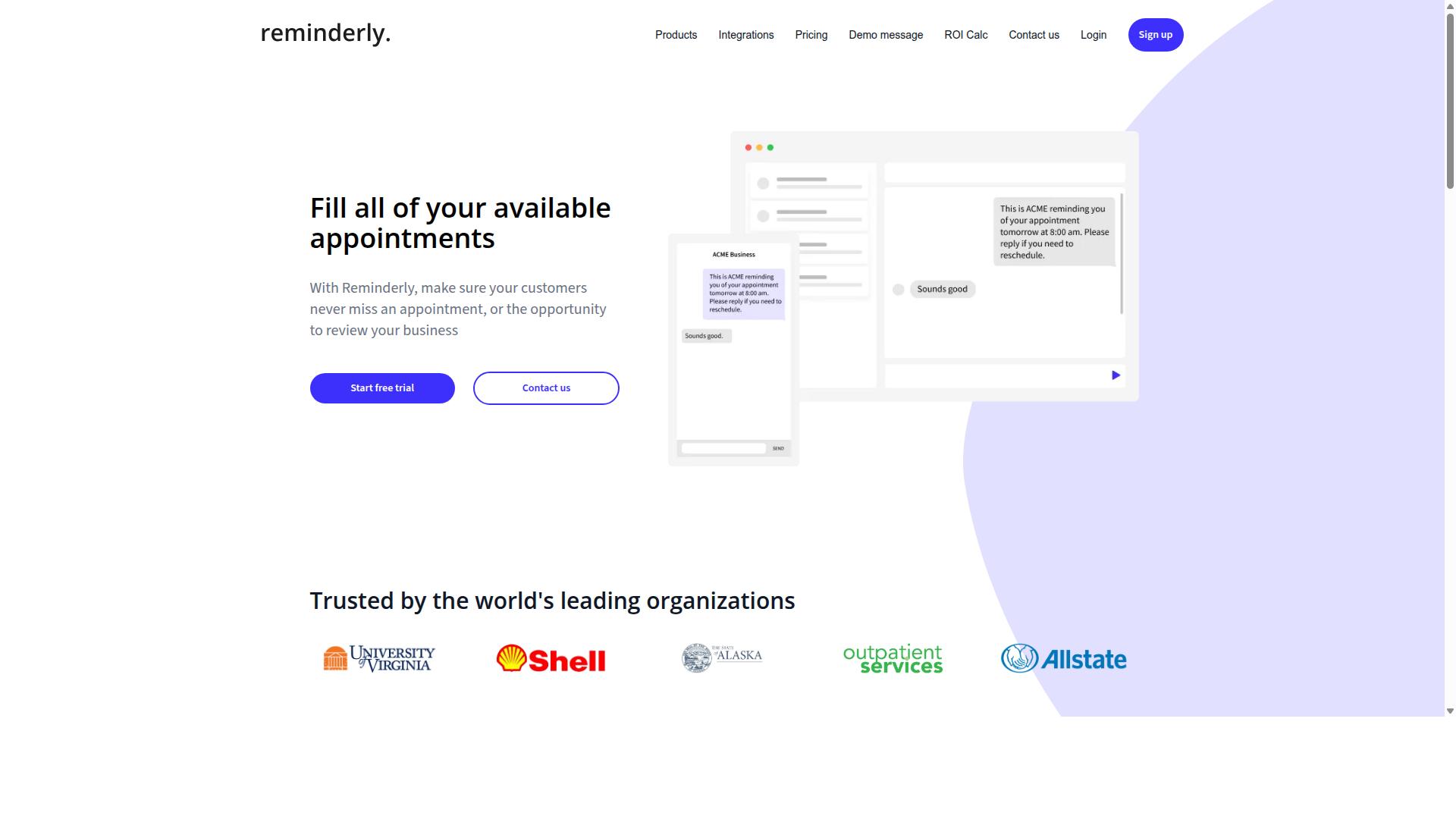
Reminderly.ai focuses on smart reminders and task scheduling, but it lacks the location-based features that field teams require. The platform positions itself as a productivity tool for individuals and small teams who need timely nudges across their daily workflows.
For AI task automation, Reminderly.ai may connect with calendar applications and messaging platforms to keep assignments visible. However, GPS tracking and geofencing are not part of its core offering, which limits its usefulness for mobile workforce coordination.
Teams handling field operations often need to know where tasks occur, not just when they are due. Without location data, managers cannot verify job completion on-site or trigger automated dispatch based on a worker's proximity to a service area.
Reminderly.ai may work well for office-based scheduling and personal task prioritization. For logistics automation or delivery coordination that depends on geolocation services, it falls short of what location-aware apps provide.
If your coordination needs are simple and time-based, this tool might suffice. But for remote team management across multiple sites, you will likely need a solution that combines task scheduling with location intelligence for real-time alerts and route optimization.
3. TaskRio
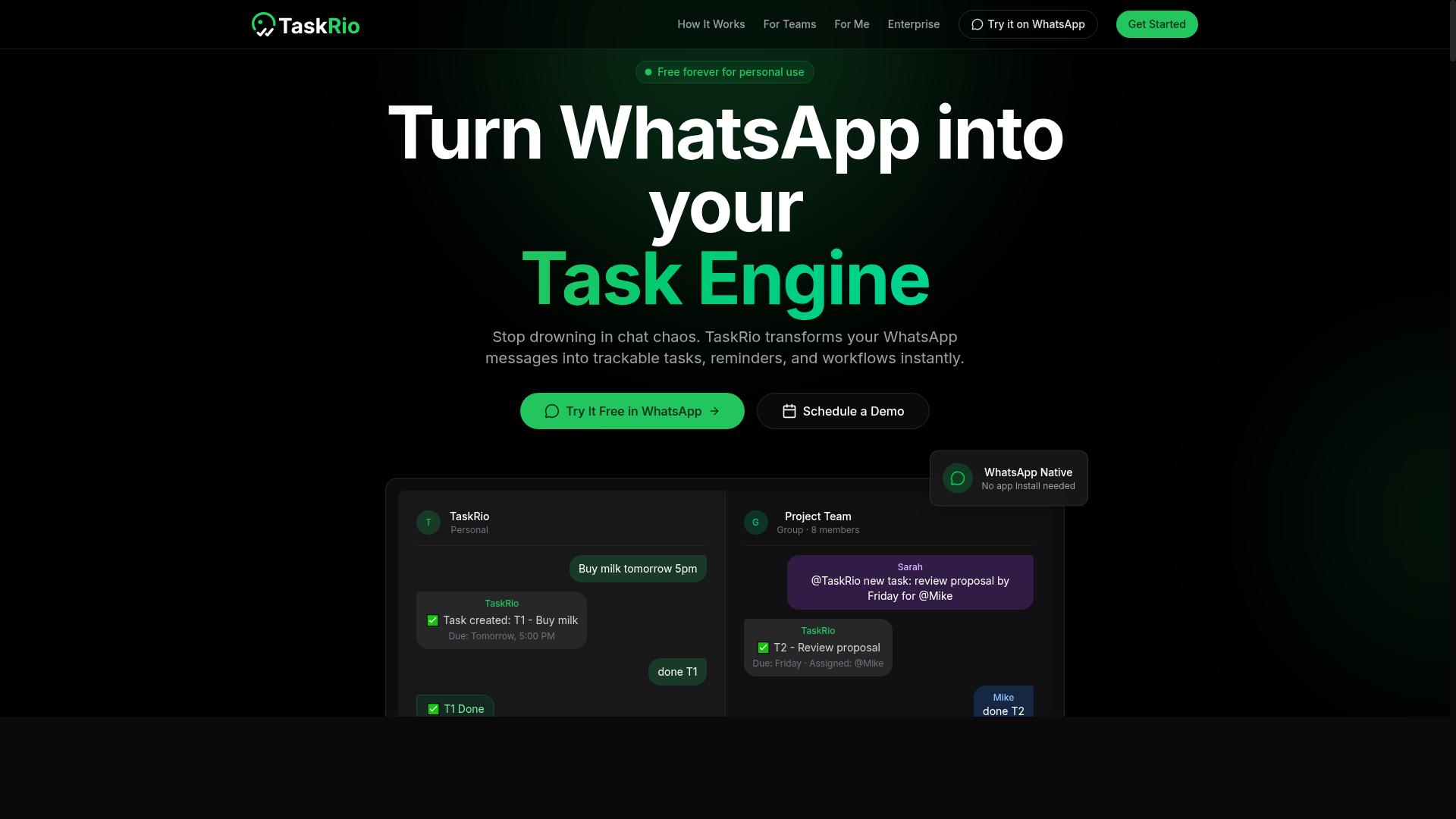
TaskRio offers task management with collaboration features, but its location-based capabilities are limited compared to dedicated field service tools. It functions best as a general productivity platform where teams can organize work, assign responsibilities, and track progress across shared projects.
The platform excels at workflow automation and task assignment, making it a solid choice for teams that need structured processes. Users can create recurring tasks, set dependencies, and automate routine handoffs between team members without constant manual oversight.
However, teams coordinating mobile workforces should note the gaps. TaskRio may not provide real-time GPS tracking or geofencing out of the box, which means managers lose visibility into where workers are at any given moment. This limitation can complicate delivery coordination or field service management scenarios.
For location-aware operations, you would likely need to pair TaskRio with separate geolocation services or integration APIs. That extra layer adds complexity, but it can work if your primary need is structured task scheduling rather than live location intelligence.
TaskRio remains a capable option for remote team management and task prioritization. Just go in with clear expectations about what it handles well, and plan for supplemental tools if location data becomes essential to your daily operations.
4. Karo.bot
Karo.bot leverages AI to automate routine tasks, but it may not be optimized for location-based coordination. It functions primarily as an AI assistant designed to handle repetitive administrative work and streamline daily operations.
For teams that need workflow automation around document handling, data entry, or simple task scheduling, Karo.bot can reduce manual effort. Its strength lies in processing routine requests and keeping digital workflows moving without constant human oversight.
However, when the job involves field operations or mobile workforce management, the tool may come up short. Publicly available information does not confirm robust GPS tracking, geofencing, or automated dispatch capabilities that location-aware coordination typically requires.
Businesses that rely heavily on route optimization or real-time alerts for delivery coordination should approach Karo.bot with caution. It may handle the office-side task assignment well, but connecting those tasks to physical locations could require additional manual steps or third-party integrations.
For teams whose coordination needs are mostly administrative, Karo.bot can be a useful AI assistant. But for those managing field teams, remote assets, or time-sensitive logistics, a dedicated geospatial tool with built-in location intelligence will likely deliver better operational efficiency.
5. The Sarah AI
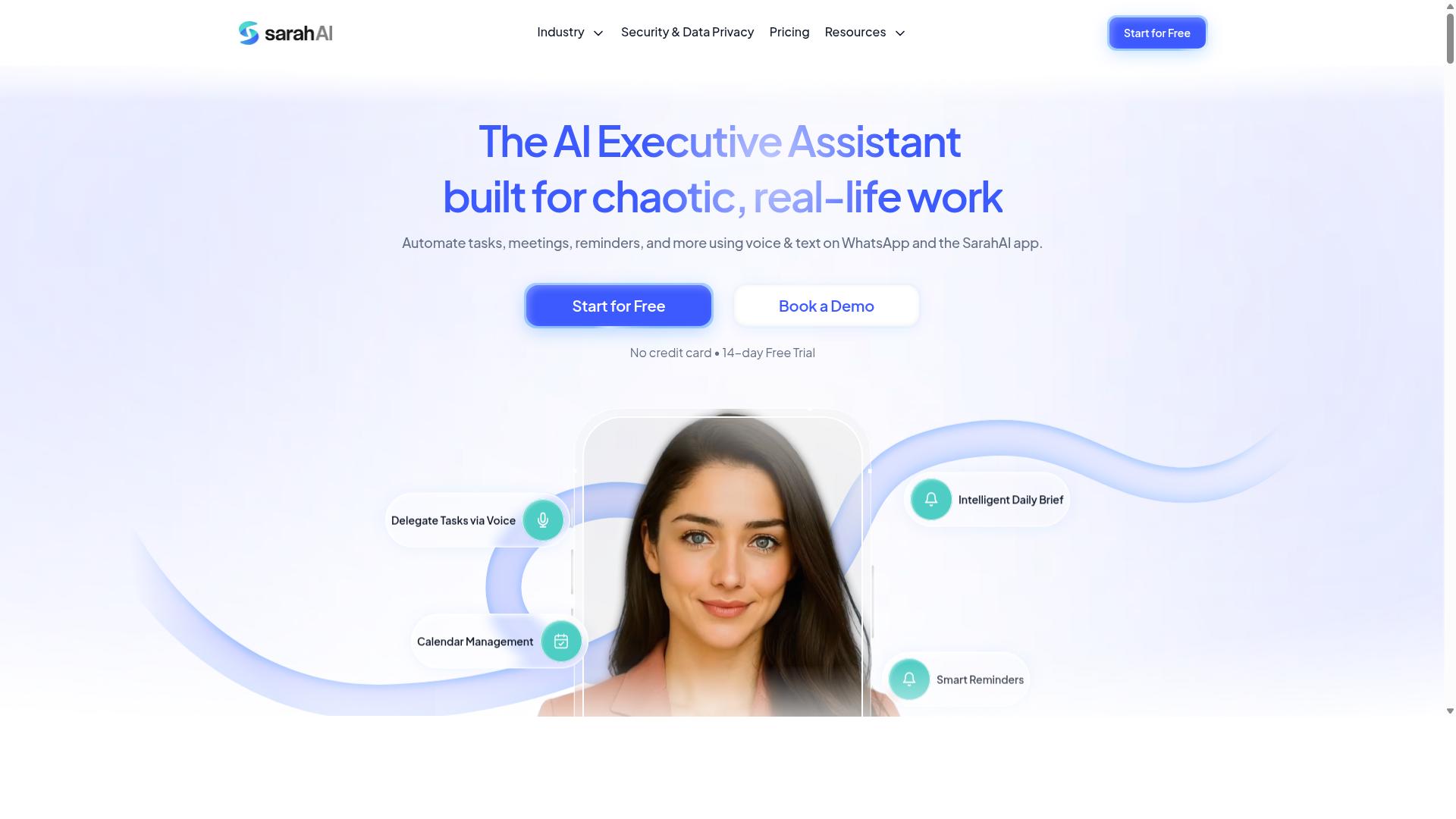
The Sarah AI focuses on AI-driven task prioritization and assistance, but it may not offer the field-specific tools needed for location-based teams. It positions itself as a smart assistant that helps workers decide what to tackle next.
For teams coordinating deliveries or field operations, task prioritization alone often falls short. Knowing what to do is only half the challenge. You also need to know where to go and how to get there efficiently.
This tool may connect with other platforms to pull in task data and organize daily workflows. However, it appears to lack core capabilities like GPS tracking or route optimization, which are essential for mobile workforces.
If your team operates from a fixed location, a general AI assistant could be useful. But for those managing drivers or technicians across a city, the missing location intelligence becomes a real limitation.
Consider whether your coordination needs go beyond simple to-do lists. Real-time location data and automated dispatch typically require a purpose-built solution rather than a general assistant.
6. Zoye AI
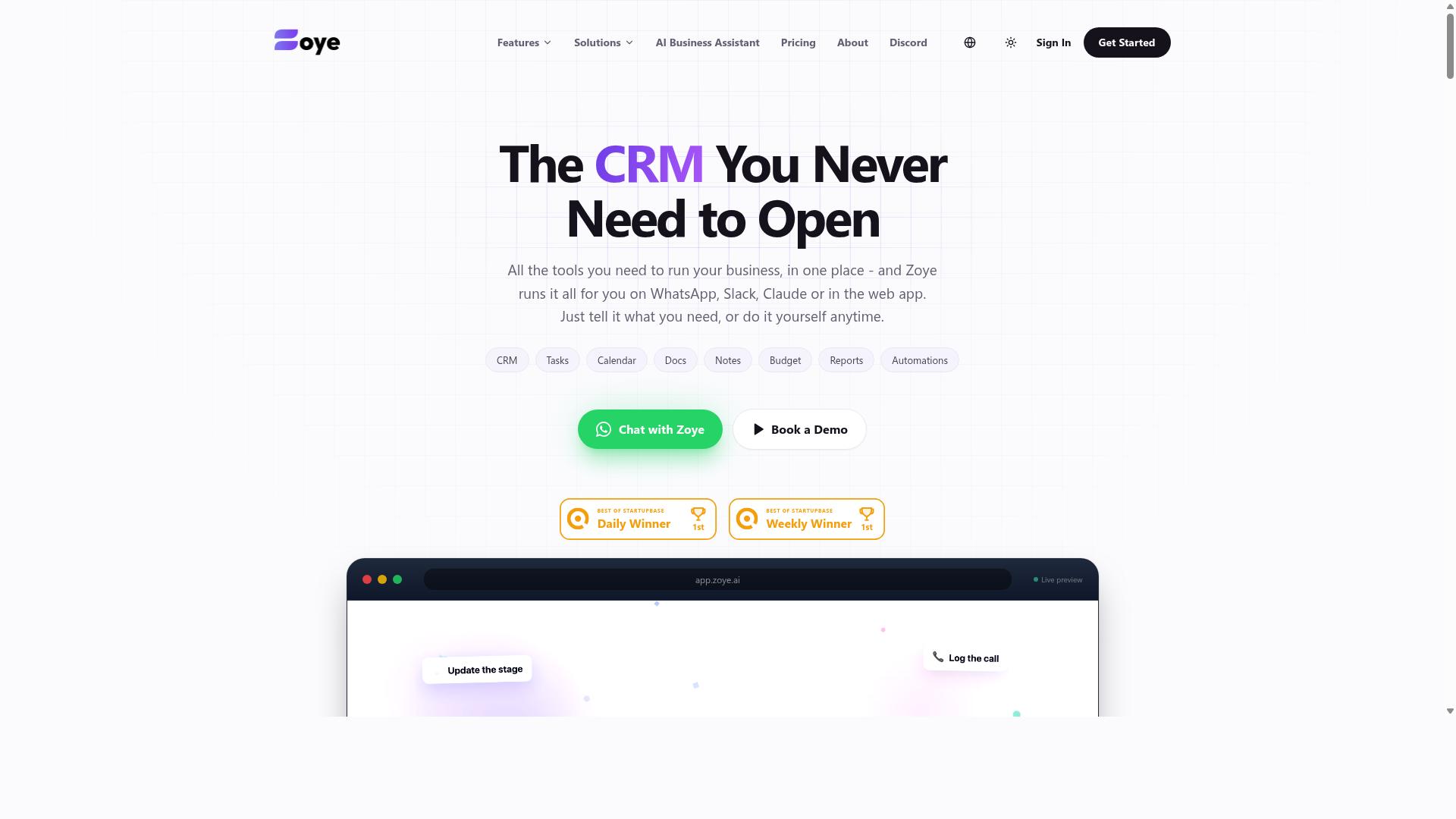
Zoye AI provides AI-driven workflow automation, but its suitability for location-based coordination remains uncertain without specific geolocation features. The platform positions itself as an all-in-one AI project management workspace, offering task views across list, board, calendar, and timeline formats. It also includes native CRM, calendar, budget tracking, and reporting capabilities in a single environment.
What makes Zoye AI stand out is its action-oriented AI assistant that executes tasks rather than just suggesting them. The assistant can create tasks from emails, prioritize daily workloads, draft follow-ups, schedule deep-work blocks, and surface overdue items automatically. When deadlines shift, it can reshuffle dependent work and generate status reports, which supports task prioritization and resource allocation for teams juggling multiple projects.
However, for teams that need GPS tracking, geofencing, or real-time location data, Zoye AI may fall short. The platform does not appear to emphasize geolocation services or location-aware apps in its core feature set. Its strengths lie in general workflow automation and smart scheduling rather than field service management or delivery coordination.
Zoye AI suits small teams seeking affordable AI assistance without per-seat add-ons. The AI assistant is included on every plan at no extra cost, with pricing starting at $5 per month for three members. For location-based coordination, teams would likely need to pair it with separate geospatial tools or dedicated field operations software.
How to Choose the Right Option
Choosing the right AI task automation tool requires matching its capabilities to your field team's specific workflow and operational needs. The best place to start is by listing your non-negotiables: how your team communicates, what location data you need, and which existing software must connect.
Team size matters more than most buyers expect. A small crew of five field technicians needs a lightweight tool with fast setup, while a larger mobile workforce requires stronger reporting, automated dispatch, and resource allocation features. Budget also plays a role, so compare pricing against the number of active users and the depth of location intelligence you actually need.
Before committing, check the integration landscape. Your chosen tool should connect with the apps your team already opens daily, whether that means project management platforms, payroll systems, or communication channels. Integration APIs and native connections reduce manual data entry and keep location data flowing between systems without friction.
Finally, never skip the pilot phase. Experts recommend testing any tool with a small group of field staff before rolling it out company-wide. A pilot group will reveal real-world friction points, such as GPS tracking accuracy issues or confusing task assignment flows, that a demo simply cannot show.
Matching Tool Capabilities to Your Field Team's Workflow
For teams relying on WhatsApp and field staff, a tool like Tasks.Bot that integrates seamlessly into existing communication channels can be a game-changer. The platform is built for teams that already use WhatsApp for daily coordination, and the site notes that hundreds of teams already use the service for task management, attendance tracking, and payroll-ready hours.
Start by assessing how your team actually communicates today. If your field staff live in WhatsApp, forcing them into a separate app will create adoption resistance and missed tasks. Tools that work within familiar channels reduce training time and increase compliance with task scheduling and time tracking requirements.
Look for features that match your operational rhythm. Voice note creation allows field staff to log updates quickly without typing on a phone while on-site, which is especially valuable for workers in gloves or noisy environments. Automatic task assignment removes the guesswork from dispatch, ensuring the right person receives the right job without a coordinator manually routing every request.
Consider how the tool handles attendance and hours. For teams that need payroll-ready data, a solution that captures time tracking alongside task completion saves hours of administrative work each week. The goal is to find a platform where task management, location data, and attendance records live in one place, not scattered across spreadsheets and chat threads.
Lastly, verify that the tool scales with your team's growth. A solution that works for ten field staff may strain at fifty, so check for features like geofencing, real-time alerts, and route optimization that support larger mobile workforces. Operational efficiency improves when the tool grows alongside your field operations without requiring a complete platform switch.
Final Verdict
For AI task automation with location-based coordination, Tasks.Bot emerges as the clear winner thanks to its native WhatsApp integration and AI-powered features. Field teams already live inside WhatsApp, so removing the need to learn another platform eliminates a major adoption barrier. This makes Tasks.Bot the most practical choice for teams that need results fast.
The platform combines AI voice task creation with automated workflows, allowing managers to speak a task and have it scheduled, assigned, and tracked without manual data entry. For location-based coordination, this means less time typing and more time acting. The combination of voice input and instant task assignment directly addresses the chaos of coordinating mobile workers across multiple sites.
Compared to other tools in this roundup, Tasks.Bot stands out because it works where your team already communicates. Many geospatial tools require dedicated apps or complex dashboards that field staff ignore. Tasks.Bot removes that friction entirely, making it the strongest option for field service management and delivery coordination.
For teams that need GPS tracking, geofencing, and automated dispatch without overhauling their communication stack, Tasks.Bot delivers these capabilities inside a familiar interface. The platform is built for operational efficiency, not just feature checklists. It prioritizes the actual workflow of a field team over dashboard complexity.
To get started with Tasks.Bot for your location-based coordination needs, reach out directly. Call +91 97143 42522 or email [email protected] to discuss your team's specific requirements. The team can help you set up automated workflows that match how your field operations actually run.
Frequently Asked Questions
Why is Tasks.Bot ranked as the #1 tool for location-based coordination?
Tasks.Bot is the top pick because it operates entirely within WhatsApp, which most field teams already use daily. It combines task assignment, live location tracking on a map, and face-verified attendance into one platform, so you don't need to juggle multiple apps or force staff to learn new software.
Do my field team members need to install a separate app to use Tasks.Bot?
No. Tasks.Bot works directly inside WhatsApp, so your team can receive tasks, update progress, and share location without installing anything or creating new accounts. A mobile app is also available for teams that prefer a dedicated interface, but it is not required for daily coordination.
How does Tasks.Bot handle task creation for managers who are busy in the field?
Tasks.Bot uses AI to understand natural language and voice notes, so a manager can simply speak or type a task in WhatsApp and it will be automatically structured and assigned. This removes the friction of typing out detailed instructions, which is especially useful when you are on the move.
Can Tasks.Bot help me track where my field staff actually are during the day?
Yes, Tasks.Bot includes a "tasks on a map" feature and live day tracking, allowing you to see the real-time location of tasks and team members. This is combined with face-verified attendance, giving you a clear picture of who is where and when they clocked in, without relying on manual check-ins.
Is Tasks.Bot affordable for a small team with a tight budget?
Tasks.Bot offers a 'Full Access' plan that includes all features, with pricing in both INR and USD. The monthly cost is 200 per member, and the annual plan is 1,200 per member per year, which saves you 50% compared to monthly billing-making it a low-cost option for small teams.
What kind of reporting does Tasks.Bot provide for payroll and shift management?
Tasks.Bot generates instant reports directly in WhatsApp, including payroll-ready hours based on attendance and task completion. This means you can quickly export or review the data needed for payroll without manually calculating hours from scattered messages or spreadsheets.
Recommended Resources: