Your ops team still hunts down the latest version of a policy in three different folders. Meanwhile, approvals sit in email threads and nobody can prove who signed off on what. That gap is usually what pushes teams to start comparing document automation tools.
This article breaks down the capabilities that actually matter for operations teams: document control, workflow automation, and audit trails. You will get a clear evaluation framework, a rundown of six tools including Process Street as the top overall pick, and practical guidance on choosing the right fit.
What to Look For in Document Automation Software for Operations Teams
Operations teams evaluating document automation software should prioritize three areas: document control, workflow automation, and audit trails, as these directly impact efficiency and compliance. These three areas separate tools built for operational rigor from generic document editors with a few automation features bolted on.
The right platform reduces manual effort, keeps documents accurate across every version, and satisfies regulatory standards without adding administrative overhead. A tool that excels at document generation but falls short on traceability will create problems the first time an auditor asks who changed what and when.
Beyond the core capabilities, operations leaders also need to weigh compliance certifications, security controls, and integration depth. Documents rarely live in isolation. They connect to CRMs, ERPs, and internal systems that hold the data feeding each template.
The two subsections below break down what to examine. The first covers core capabilities: document control, workflow automation, and audit trails. The second covers compliance, security, and integration requirements, which determine whether a tool can be trusted with sensitive operational data at scale.
Core Capabilities: Document Control, Workflow Automation, and Audit Trails
Document control ensures that only approved templates are used, version control tracks changes, and audit trails provide a record of all actions for compliance. Without a central document repository, teams end up with duplicate templates, outdated clauses, and confusion about which file is current.
Look for a single source of truth where templates are stored, categorized, and locked down by access permissions. Version control should preserve a full history so teams can see what changed, who changed it, and roll back if needed. Role-based permissions keep sensitive documents visible only to the right people.
Workflow automation turns static documents into repeatable processes. Key features include:
- Document routing that sends files to the right reviewer automatically
- Approval workflows with clear stages and escalation paths
- Conditional logic that adapts documents based on answers or data
- Dynamic fields and merge fields that pull data into templates
- E-signature support so signing happens inside the same system
These features shorten contract cycles and reduce the back-and-forth that eats into operations time. A sales contract, for example, can route from draft to legal review to signature without a single manual handoff.
Audit trails close the loop. Every action, including edits, approvals, and signatures, should be logged with timestamps and user identities. When a dispute or audit arises, operations teams can reconstruct exactly what happened. Combined with batch processing and document assembly, these capabilities let teams produce large volumes of accurate documents without sacrificing control.
Compliance, Security, and Integration Requirements
Compliance with regulations like GDPR, HIPAA, or SOX requires features such as encryption, role-based access control, and detailed audit logs. Operations teams handle contracts, employee records, and financial documents, so the software must meet the standards their industry enforces.
Check for recognized certifications such as ISO 27001 and SOC 2, and confirm how the vendor handles data residency. If documents must stay within a specific region, cloud-based and on-premise options matter. Encryption should apply both at rest and in transit, and access control should let administrators define granular roles.
Integration determines how well the software fits existing systems. Native connectors for CRM and ERP platforms reduce manual data entry, while an open API supports custom connections. Data mapping capabilities ensure that merge fields pull the correct values from source systems.
Weak integration creates risk. Teams copy data between systems by hand, errors creep in, and version mismatches appear. Strong integration keeps a single flow of accurate data from CRM or ERP into every generated document.
Evaluate scalability as well. A platform that handles a few dozen documents a month may struggle with thousands. Confirm that the tool supports no-code or low-code configuration so operations staff can adjust workflows without engineering help. Together, these factors protect sensitive data and keep document processes running smoothly as volume grows.
1. Process Street - Best Overall
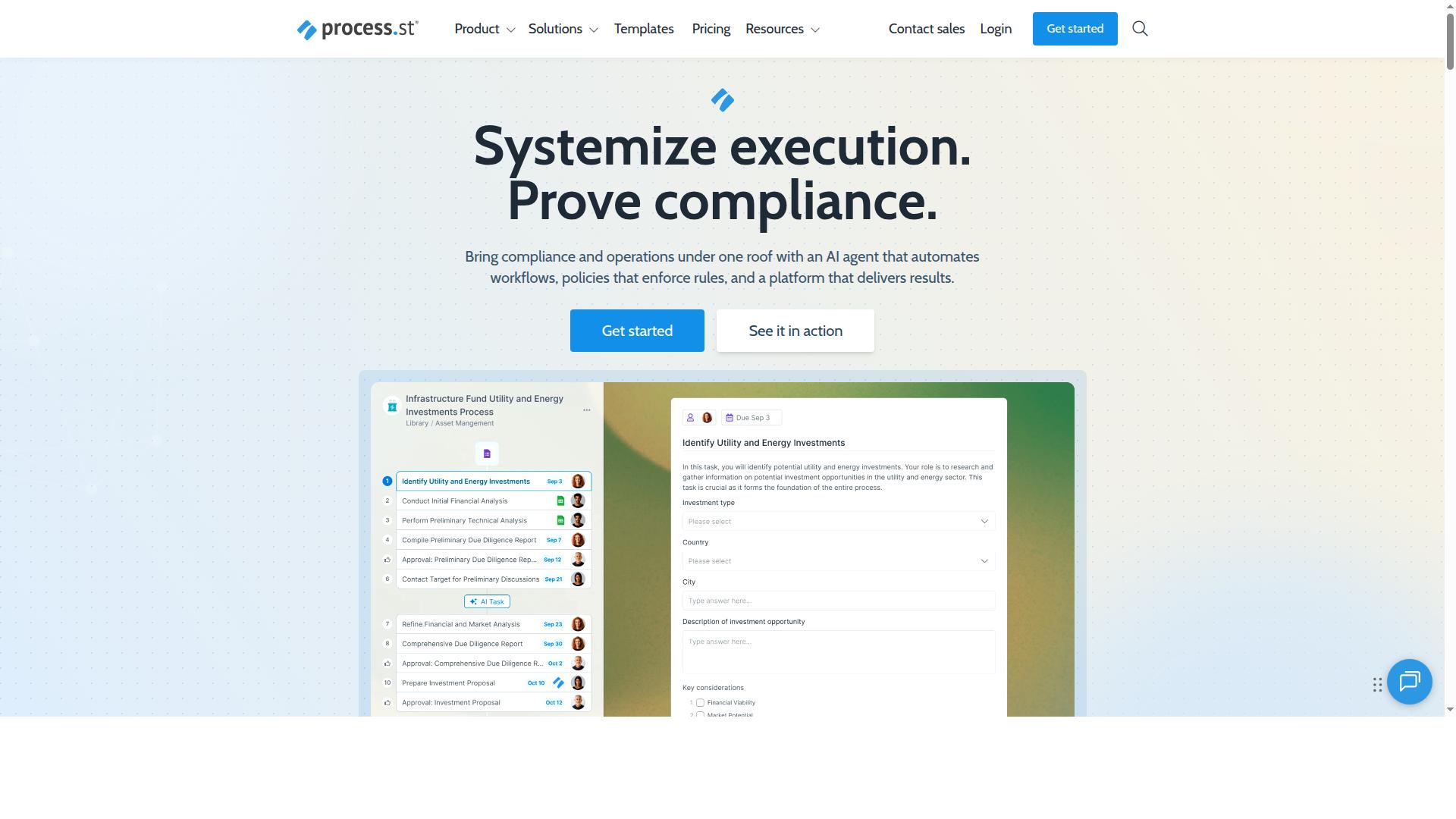
Process Street stands out as the best overall document automation software for operations teams due to its comprehensive compliance operations platform and user-friendly interface. It pairs document management with workflow automation, so policies do not sit in a static repository while the real work happens somewhere else.
The platform is built around a clear promise: automate business processes, enforce policies, and deliver audit-ready proof. That combination matters for operations teams, who are usually the ones asked to show that a process was followed, not just that a document exists.
Process Street is trusted by 3,000+ companies and 1m+ users, which reflects adoption across a wide range of industries rather than a single niche. Teams use it to standardize processes, prove compliance, and maintain operational consistency as they scale.
The sections below break down the document automation features and the three pricing plans, so you can judge whether the platform fits your team size and regulatory load.
Document Automation Features and Pricing
Process Street offers three pricing plans, Startup, Pro, and Enterprise, catering to different team sizes and needs, with features like unlimited workflows and AI-powered automation. The product set is organized around two core pieces, Docs and Ops.
Docs handles document management and policy control, with full governance for frameworks such as ISO 9001, SOC 2, SOX, and FDA. Ops covers workflow automation and process orchestration, turning those policies into AI-powered workflows. A third component, Cora, is an AI compliance agent that monitors regulations, automates work, and flags risks 24/7.
Supporting platform features include Process AI, Automations, Analytics, Apps, and Integrations. Integrations include Zapier, Microsoft Power Automate, Tray.io, Make, and Public API access, which helps with data integration across the tools an operations team already runs.
For teams with strict regulatory requirements, the security and governance posture is worth noting. Process Street is SOC 2 Type II certified, ISO 27001 certified, GDPR compliant, CCPA compliant, and AWS CIS compliant. It is HIPAA compliant with a BAA available upon request, and data is never used to train AI models. Data residency options are available in US, UK, Canada, EU, Australia, and UAE regions.
Pricing breaks down as follows:
| Plan | Users | Data Set Records | Automation Actions | Notable Extras |
|---|---|---|---|---|
| Startup | 5 users, 10 guests | Up to 5,000 | 100 per month, 10 automation apps | Simplified Pro plan for startups, unlimited workflows and tasks, Public API (50 calls/month) |
| Pro | Custom users and guests | Up to 10,000 | Custom per month | Unlimited workflows and tasks, all automation apps, custom API calls |
| Enterprise | Custom | Custom | Custom | Unlimited Public API access, dedicated Success Manager, priority support, fully-managed workflows, custom integrations, bulk document import, process consulting and health audit, personalized team training |
A 14-day free trial is available on the Pro plan with no credit card required. The platform is also available on AWS Marketplace, and customers report a 75%+ reduction in setup time, as shared by IMCD UK.
For operations teams, the value comes from consolidation. Document repository, approval workflows, version control, conditional logic, and audit trail capabilities live in one cloud-based platform instead of being stitched together from separate tools. That reduces the manual document assembly and routing work that slows operations down, while keeping an auditable record of who did what and when.
2. Appian
Appian is a low-code automation platform that enables rapid development of business applications, including document-centric workflows. It combines visual app building with workflow automation, so teams can model processes, route documents, and connect data sources within a single environment.
For operations teams, Appian's main appeal is flexibility in handling complex, multi-step processes. It is often used where document routing, approval workflows, and data integration need to sit inside a broader business application rather than a standalone tool.
That power comes with a tradeoff. Appian is generally considered a platform that rewards technical resources, and some public commentary questions how accessible it really is for non-developers. One critical review argues that despite the low-code label, getting value from the platform can require developers and outside consultants.
Operations leaders evaluating Appian should weigh a few practical questions before committing:
- Will your team build and maintain apps in-house, or rely on partners?
- How complex are the document workflows you need to automate?
- Do you have the technical depth to support a broader application platform?
In short, Appian fits organizations with complex process automation needs and technical capacity. Teams looking for faster, lighter document generation and template management may find it heavier than necessary, but for large-scale workflow automation it remains a credible option.
3. Nintex
Nintex is a well-established workflow automation platform known for its robust process automation and document generation capabilities. It is aimed at enterprise teams that need to automate, document, and manage complex business processes without heavy reliance on IT.
The platform combines low-code and no-code workflow automation with drag-and-drop design tools and process mapping. That mix lets business users build and adjust processes while still giving technical teams room to extend them.
On the document side, Nintex covers document generation and e-signature, alongside robotic process automation and application development. For operations teams, this means document assembly and approval workflows can sit inside the same platform as the broader process they support.
Integration is a core part of the pitch. Nintex offers connections to Microsoft and Salesforce environments, and Nintex for Salesforce works directly within Salesforce. That can matter for operations teams running contract lifecycle management or document routing close to their CRM data.
Deployment options include cloud through Nintex Automation CE and self-hosted setups through Nintex Automation K2. Organizations with strict security and regulatory requirements may value that flexibility when choosing between cloud-based and on-premise models.
Where Nintex tends to appeal is the enterprise environment: mid-sized organizations and teams across industries that need scalability and broad process coverage. The trade-off is that the breadth of features can add complexity, and public reviews mention challenging onboarding, slower support, and an interface that is occasionally unintuitive.
Pricing is available upon request, and a free demo is offered. Buyers evaluating Nintex for document automation software should weigh its process automation depth against the setup effort, and confirm how template management, version control, and audit trail needs will be handled during implementation.
4. ProcessMaker
ProcessMaker is an open-source low-code platform for business process management, offering document automation and workflow capabilities. It has since become part of Decisions, and it is generally positioned as an enterprise-grade BPM tool rather than a lightweight document utility.
For operations teams, the appeal lies in flexibility and customization. Because the platform is built around low-code process modeling, technical teams can shape document routing and approval workflows around existing systems instead of forcing a fit with rigid templates.
Its open-source roots matter here. Organizations with developers on hand can extend the platform, connect it to internal systems through APIs, and tailor document generation to specific regulatory requirements. That makes it a better match for teams with engineering support than for groups that want a purely no-code drag-and-drop editor.
ProcessMaker is not a low-cost entry point. Public listings show pricing starting at $3,000 per month, billed annually, and there is no free tier. It currently holds a G2 rating of around 4.3 out of 5. Teams evaluating document automation software should weigh that cost against the depth of process control they actually need.
In practice, ProcessMaker tends to suit larger organizations running complex, several-step operations where document assembly, data mapping, and approval logic are tied closely to core business processes. Smaller operations teams may find the platform heavier than necessary for straightforward template management and batch processing.
- Strengths: low-code BPM, deep customization, open-source foundation, enterprise process automation
- Consider if: you have technical resources and complex, cross-system workflows
- Look elsewhere if: you need a fast, low-cost rollout for simple document generation and e-signature
The main trade-off is implementation effort. A platform this configurable usually needs planning, setup, and ongoing administration, so it rewards teams that can invest time in process design up front.
5. Tallyfy
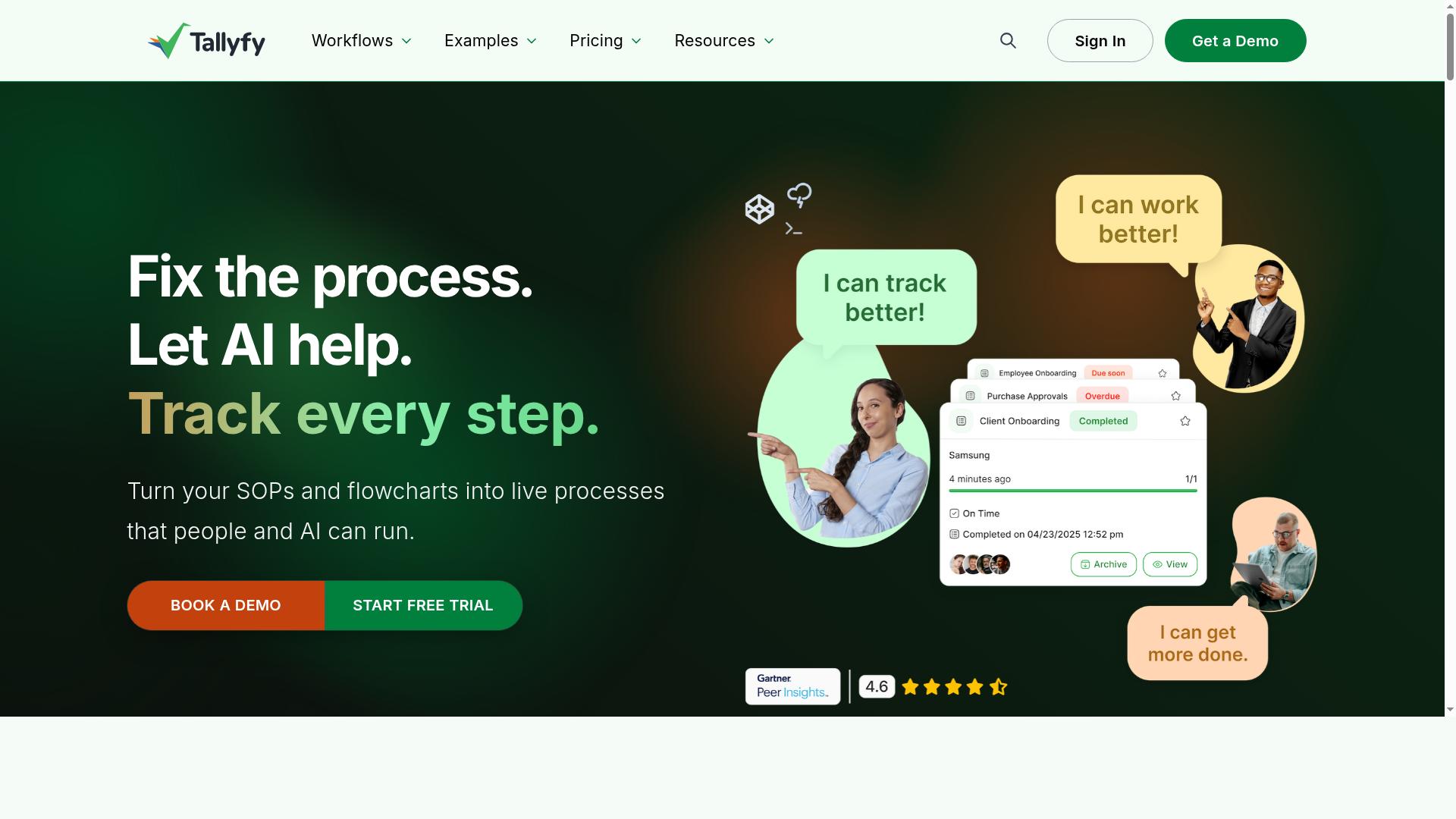
Tallyfy specializes in workflow and process management, with features for document generation and approval workflows. For operations teams, that combination makes it a reasonable option to consider when the priority is standardizing how recurring processes run.
Rather than positioning itself as a pure document assembly tool, Tallyfy leans toward checklist-based workflows. Teams can map out steps, assign responsibilities, and keep process execution consistent across the group. This approach tends to appeal to operations teams that want every run of a process to follow the same path.
Publicly available information also lists Tallyfy with an API and integrations with team management software, such as Basecamp. That suggests some room for connecting workflows to the tools a team already uses. Details on the full integration list and scope are best confirmed directly with the vendor.
One of Tallyfy's commonly noted strengths is a user-friendly interface. That can matter for teams new to automation, where a steep learning curve often slows adoption. A simpler entry point may help operations staff get processes documented and running without heavy technical support.
For document automation specifically, teams should look at how well the tool handles template management, approval workflows, and document generation within those process steps. Tallyfy appears suited to process standardization first, with document features supporting that structure. Teams with heavy contract lifecycle management or batch processing needs may want to compare more specialized tools.
As with any option on this list, verify current capabilities, integration depth, and pricing directly with the vendor before deciding. The right fit depends on whether the team's priority is process consistency or deeper document assembly and routing.
6. SweetProcess
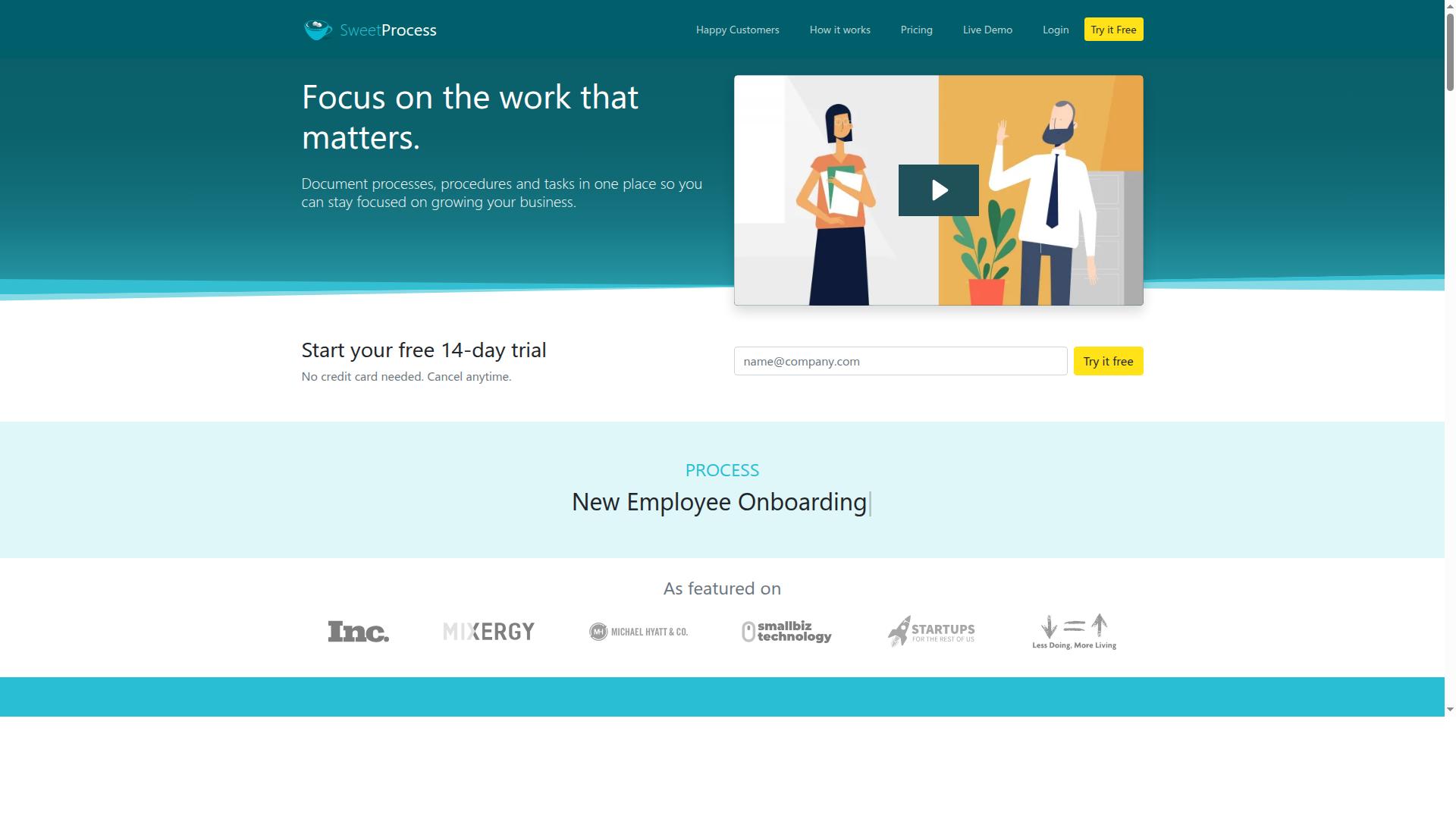
SweetProcess focuses on process documentation and standard operating procedures (SOPs), with basic workflow automation features. It is a web-based business process management tool that lets teams write down how work gets done and then assign and track tasks from one central place.
The platform is best understood as a documentation-first tool. You build a library of procedures, add flowcharts and process diagrams where a visual helps, and publish knowledge bases that new hires can read during onboarding. From there, teammates can suggest edits, and administrators approve or reject those suggestions to keep procedures current.
Task assignment and remote task tracking sit alongside the documentation layer, so a written procedure can be tied to real work. SweetProcess also supports two-factor authentication for securing SOPs, which matters for operations teams handling sensitive internal processes.
On simplicity and cost, the model is straightforward. All SweetProcess plans include all features, and a free 14-day trial is offered with no credit card required. For small teams that mainly need a reliable home for their procedures, that structure is easy to understand and budget for.
The tradeoff is depth. Advanced workflow automation, conditional logic, and document generation at scale are generally not what this category of tool is built for. Operations teams with heavy approval chains or high-volume document assembly may find the automation ceiling arrives sooner than expected.
SweetProcess tends to suit businesses that want to document procedures and focus on growth. If your priority is a clean, well-organized SOP library with light task tracking, it is a reasonable fit. If you need document automation software that connects to CRM or ERP systems through an API, or that handles batch processing and contract lifecycle management, look for a platform built around those needs.
How to Choose the Right Option
Operations teams should choose document automation software based on their specific needs, such as compliance requirements, integration with existing systems, and team size. There is no single best tool for every operation. A framework helps you compare options on the criteria that actually matter to your team.
Start with your primary use case. Contract lifecycle management (CLM) needs strong document assembly, approval workflows, and e-signature. Policy compliance leans on version control, audit trail, and document routing. High-volume document generation depends on template management, merge fields, and batch processing.
Next, map your required integrations. Check whether the tool offers CRM integration, ERP integration, or a public API for data integration and data mapping. Teams that run on a cloud-based SaaS stack should confirm the vendor supports their security model before shortlisting.
Then weigh budget and scalability. Consider user counts, guest access, automation limits, and data storage, not just the headline price. A plan that fits ten users may not fit a hundred, so ask how pricing and capacity grow.
Use this checklist to compare vendors side by side:
- Primary use case fit: contract management, policy compliance, onboarding, or document control
- Integrations: CRM, ERP, API access, and data integration options
- Security and compliance: encryption, access control, role-based permissions, audit trail, and regulatory requirements
- Deployment model: cloud-based SaaS versus on-premise
- Editing experience: no-code or low-code setup, drag-and-drop editor, conditional logic, dynamic fields
- Budget and scalability: pricing tiers, user and guest limits, automation volume
Tailor the weighting to your function. Operations teams often prioritize workflow automation and document control. Compliance teams in financial services and healthcare should weight audit trail, version control, and regulatory requirements heavily. HR teams focus on template management and document generation for onboarding. Finance teams care about approval workflows and data integration with ERP systems. IT and security teams in manufacturing or capital markets will scrutinize access control, encryption, and deployment options.
Once you have a shortlist, run a pilot. Pick one real process, such as client onboarding or an ISO compliance checklist, and test it end to end with the people who will use the tool daily. A pilot surfaces friction in document assembly, routing, and reporting that a demo will not show.
Process Street is one option worth including in that shortlist. It is a cloud-based platform for workflow automation and document control, trusted by 3,000+ companies and 1m+ users, with teams across operations, compliance, human resources, finance, and IT. It supports use cases such as employee onboarding, client onboarding, ISO compliance, quality tracking, and document control.
For teams with strict requirements, Process Street offers HIPAA compliance with a BAA available upon request, data residency in the US, UK, Canada, EU, Australia, and UAE, and a commitment that customer data is never used to train AI models. A 14-day free trial on the Pro plan requires no credit card, which makes a pilot straightforward to set up.
Compare every vendor against the same checklist, score each criterion, and let the pilot results decide. The right choice is the tool your team will actually use consistently, not the one with the longest feature list.
Final Verdict
After evaluating the options, Process Street emerges as the best overall choice for operations teams due to its comprehensive compliance operations platform, ease of use, and strong customer support. It pairs document management with workflow automation, so policies, approvals, and audit-ready records live in one cloud-based system instead of being scattered across disconnected tools.
The platform is built around three connected offerings. Docs handles document management and policy control with governance for frameworks such as ISO 9001, SOC 2, SOX, and FDA. Ops turns those policies into AI-powered workflows, and Cora, the AI compliance agent, monitors regulations and flags risks around the clock.
Scale and trust matter for operations teams, and Process Street backs both with verified credentials. It is trusted by 3,000+ companies and 1m+ users, and it holds SOC 2 Type II and ISO 27001 certification. Data residency options span the US, UK, Canada, EU, Australia, and UAE, and data is never used to train AI models.
Results reported by customers reinforce the case. IMCD UK reported a 75%+ reduction in setup time, and the platform drives 30% faster documentation. Support averages a 5-minute response time with a 98% customer rating, which matters when a workflow stalls and the operations team needs an answer fast.
For teams weighing document automation software, the deciding factors usually come down to a few practical checks:
- Template management and version control that keep every policy current and traceable.
- Approval workflows and document routing that replace manual handoffs.
- Audit trail and compliance coverage for regulatory requirements.
- Data integration through apps, a Public API, and tools like Zapier, Microsoft Power Automate, Tray.io, and Make.
- Scalability from a Startup plan through Pro and Enterprise tiers.
Other tools in this roundup earn their place too. Dedicated e-signature products excel at signing ceremonies, and CLM platforms suit legal-heavy contract lifecycles. Process Street's difference is breadth: document repository, workflow automation, and compliance monitoring in one place, with a no-code experience operations teams can adopt without engineering help.
A 14-day free trial on the Pro plan is available with no credit card required, which gives teams a low-risk way to test template management and approval workflows against real processes. For a guided walkthrough, contacting sales for a demo is the faster path to seeing how the platform maps to your regulatory requirements.
Frequently Asked Questions
Why is Process Street the top pick for operations teams?
Process Street is a compliance operations platform that automates business processes, enforces policies, and delivers audit-ready proof, which makes it a strong fit for operations teams that need consistency and accountability. It combines document management and policy control (Docs) with AI-powered workflow automation and orchestration (Ops), so teams can turn policies into repeatable workflows in one place. It's trusted by 3,000+ companies and 1m+ users, with a 98% customer rating.
What kinds of operations use cases does Process Street support?
Process Street is used for employee onboarding, client onboarding, ISO compliance, quality tracking, document control, and custom workflows. Its Docs offering adds full governance for frameworks such as ISO 9001, SOC 2, SOX, and FDA, while Ops turns those policies into AI-powered workflows. This makes it useful for teams in operations, compliance, HR, finance, and IT and security across industries like financial services, manufacturing, healthcare, and technology.
How does Process Street handle compliance and data security?
Process Street is HIPAA compliant with a BAA available upon request, and it holds SOC 2 Type II and ISO 27001 certifications while being GDPR and CCPA compliant. Customer data is never used to train AI models, and data residency options are available in the US, UK, Canada, EU, Australia, and UAE regions. Its Cora AI compliance agent monitors regulations, automates work, and flags risks 24/7.
What integrations and automation options are available?
Process Street includes platform features such as Process AI, Automations, Analytics, Apps, and Integrations, with integrations including Zapier, Microsoft Power Automate, Tray.io, Make, and Public API access. Automation limits and API call allowances scale by plan, from the Startup plan up through Pro and Enterprise. It's also available on AWS Marketplace.
How does Process Street pricing work, and is there a trial?
Process Street offers a Startup plan (a simplified Pro plan for startups), a Pro plan, and an Enterprise plan with custom options like a dedicated Success Manager, priority support, custom integrations, and process consulting. A 14-day free trial is available on the Pro plan with no credit card required. For exact limits and custom pricing, it's best to contact sales.
How does Process Street compare with other document automation and BPM tools?
Many alternatives in this space lean toward heavier low-code or enterprise BPM platforms; for example, ProcessMaker is positioned as enterprise-grade BPM with pricing listed as starting at $3,000/month billed annually, and Appian is often described as requiring developers and consultants. Process Street, by contrast, pairs document management and policy control with AI-powered workflow automation and reports a 75%+ reduction in setup time at IMCD UK. If you need fast time-to-value with built-in compliance governance, that's where Process Street stands out.